

Looking for expert help? See our SEO services in Delhi.
Technical SEO is the backbone of every winning website. You can publish awesome content, target the most relevant keywords and acquire links from authority sites—but if search engines have a hard time crawling or indexing your site, all that effort will not pay off. Technical SEO is the engine of a car This looks beautiful, the inside also but without a good engine its useless. That’s exactly how websites work.
Technical SEO might sound too technical for beginners as it covers the website speed, crawlability, indexing, structured data-related tasks and many more. But the truth is you have alittle knowledge on it to understand the fundamentals & You dont need a developer for that. Working out how search engines (like Google) crawl and rank websites simply makes technical SEO easier to implement. A complete, human-friendly guide to what a beginner really needs to know about technical SEO up until now in 2023. You will also find crucial LSI keys like website speed optimization, mobile SEO, Crawl Errors, and Indexing Issues XML Sitemap Schema Markup to build your ranking.
What is Technical SEO?
Technical SEO is when you optimize your website infrastructure for search engines to effectively crawl, interpret and index. Technical SEO, on the other hand, is not concerned with content and keywords as much as it concerns backend improvements that help your site be more visible in search engines.
Visualize your website as a library. Content is the books, technical SEO is like a catalog system ensuring people can find those books easily. Even the best books are buried without organisation. That is how search engines operate. They employ bots to crawl websites and choose which pages are worthy of being displayed in search results.
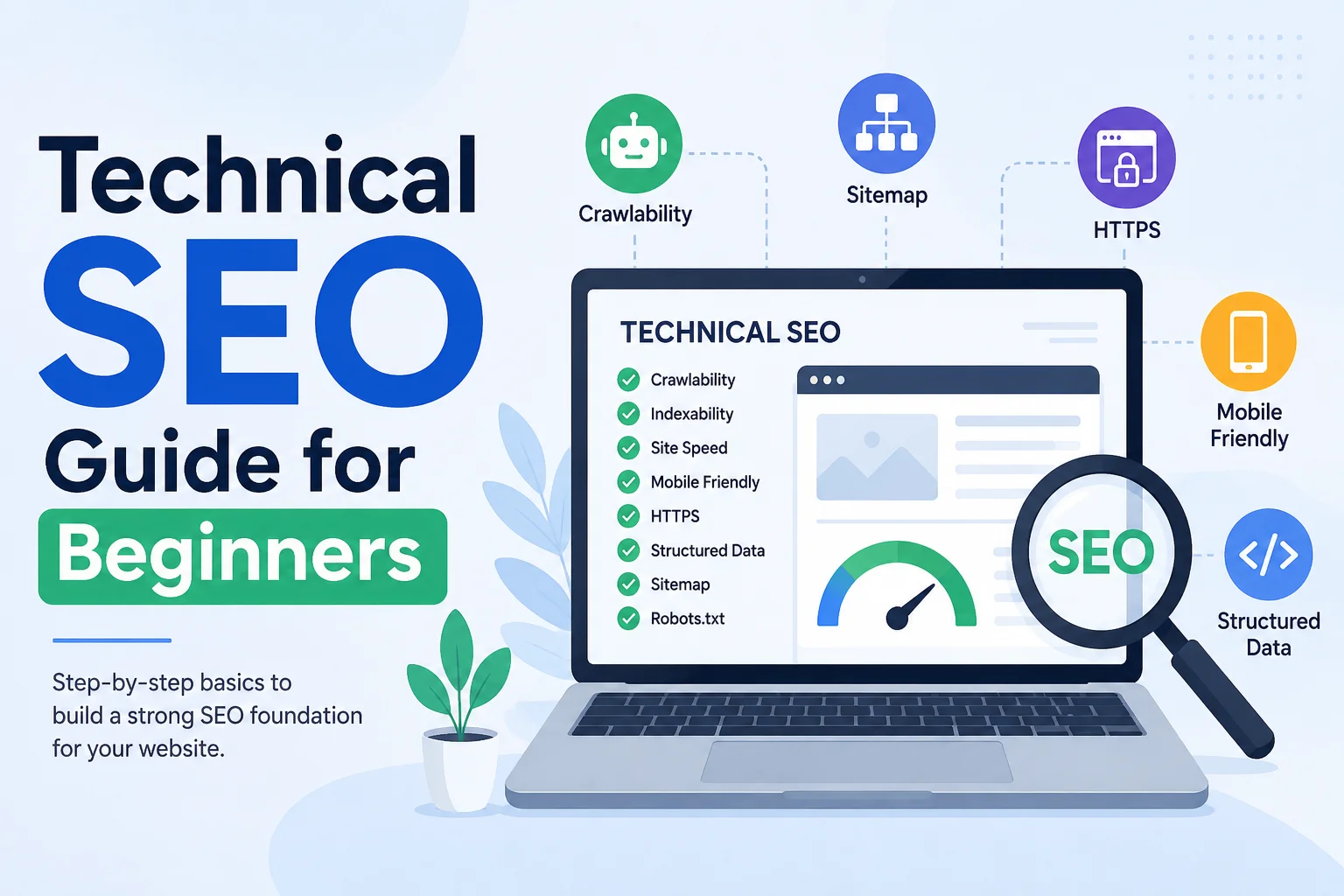
Key components of technical SEO include:
- Website speed optimization
- Mobile responsiveness
- Secure browsing (HTTPS)
- XML sitemaps
- Structured data
- Crawlability and indexing
When these elements are optimized, search engines will quickly find your site and rank more efficiently.
Why Technical SEO Matters for Rankings
Even a lot of beginners don’t pay attention to Technical SEO and think that work on keywords along with backlinks is enough. That’s a major mistake. Search engines rank websites with a good user experience. Slow load times and broken links will drag down rankings—even if your content is great.
Technical SEO improves:
- Search engine crawling efficiency
- User experience
- Page speed
- Mobile usability
- Ranking potential
As per Google, core web vitals ( page experience signals like speed and mobile usability) impact rankings directly. A technical and an SEO optimized website not only reduces the bounce rate but also helps to increase engagement and conversions.
Think about visiting a website that takes 8 seconds to load. Most users won’t wait. They’ll leave instantly. Search engines notice this behavior and may rank that website lower.
Website Speed Optimization
Website speed is a key technical SEO factor one cannot overlook. Websites that load faster lead to a truly better user experience and they rank higher in search engines. Frustrate Visitors and Increase Bounce Rate: A slow website only frustrates visitors, and they can eventually leave when the page is loading very slowly.
Core Web Vitals are metrics by Google to quantify the user experience. These metrics are related to Loading, Interactivity and Visual Stability.
| Metric | Meaning | Ideal Score |
|---|---|---|
| LCP | Largest Contentful Paint | Under 2.5s |
| INP | Interaction to Next Paint | Under 200ms |
| CLS | Cumulative Layout Shift | Under 0.1 |
Common reasons for slow websites include:
- Large image files
- Poor hosting
- Excessive plugins
- Heavy scripts
- Unoptimized code
To improve speed:
- Compress images
- Use caching
- Minify CSS and JavaScript
- Choose reliable hosting
- Enable CDN
A faster website means better rankings and happier users.
Mobile-Friendly Website Optimization
Mobile SEO is now a necessity because desktop traffic died as most Internet Traffic comes from Smartphones! Mobile-first indexing means that Google looks for your ranking from the mobile version of all websites first.
Mobile-friendliness of your site is probably the super-factor: Rankings can plummet if there are broken pages on mobile. Responsive Design – Make sure your site is responsive across devices.
Best practices for mobile optimization:
- Use responsive layouts
- Optimize images for mobile
- Improve mobile loading speed
- Avoid intrusive pop-ups
- Use readable font sizes
Users expect smooth mobile browsing. If they struggle to navigate your website, they’ll leave quickly.
Crawlability and Indexability
Crawlability is basically how easily search engines can get to your pages. The indexability defines whether those pages are included in search engine databases.
If Google cannot crawl your website, it cannot rank your pages.
Common crawl issues include:
- Broken links
- Poor internal linking
- Blocked pages in robots.txt
- Missing XML sitemap
Robots.txt Optimization
The robots.txt file tells search engines which pages they can or cannot crawl. This helps guide search engine bots efficiently.
Example:
User-agent: *
Allow: /
Sitemap: https://example.com/sitemap.xml
Incorrect robots.txt configurations can accidentally block important pages.
XML Sitemap Best Practices
An XML sitemap acts like a roadmap for search engines. It helps bots discover your most important pages quickly.
Best practices:
- Include important URLs only
- Update regularly
- Submit to Google Search Console
- Remove broken pages
Sitemaps improve indexing and visibility.
Secure Website with HTTPS
Website security is another major ranking factor. HTTPS protects user data and builds trust.
Websites without SSL certificates may display “Not Secure” warnings in browsers, which can scare away visitors.
Benefits of HTTPS:
- Better rankings
- Improved trust
- Data security
- Safer transactions
If your website still uses HTTP, switching to HTTPS should be a top priority.
URL Structure Optimization
SEO-friendly URLs help users and search engines understand page content.
Bad URL:example.com/page?id=12345
Good URL:example.com/technical-seo-guide
Best practices:
- Keep URLs short
- Use keywords naturally
- Avoid unnecessary parameters
- Use hyphens
Clean URLs improve usability and search visibility.
Structured Data and Schema Markup
Schema markup helps search engines understand your content better. It improves the chances of appearing in rich results like reviews, FAQs, and featured snippets.
Examples of schema types:
- Article schema
- FAQ schema
- Product schema
- Review schema
Benefits:
- Better visibility
- Higher CTR
- Rich snippets
Schema gives search engines more context about your pages.
Fixing Technical SEO Errors
Technical SEO audits help identify issues that hurt rankings.
Common errors include:
- 404 pages
- Redirect chains
- Duplicate content
- Broken links
- Slow loading pages
Tools for technical SEO audit:
- Google Search Console
- Screaming Frog
- PageSpeed Insights
Regular audits keep your website healthy.
Conclusion
I understand that Technical SEO can be intimidating at first, but once you break it down into smaller parts and make a plan to tackle those bit by bit. Browser responsiveness, site speed/speed optimization of URL structure/secured data Type. These elements provide a solid base for long-term rankings in search engines.
The best part? Small technical fixes can yield large rank increases over time. Conducting a proper technical SEO audit — which includes fixing the critical issues upon your findings, and then optimizing periodically. All other efforts to promote your website will be much more useful with a healthy technical SEO base.