
Looking for expert help? See our website development company in Delhi.
Introduction
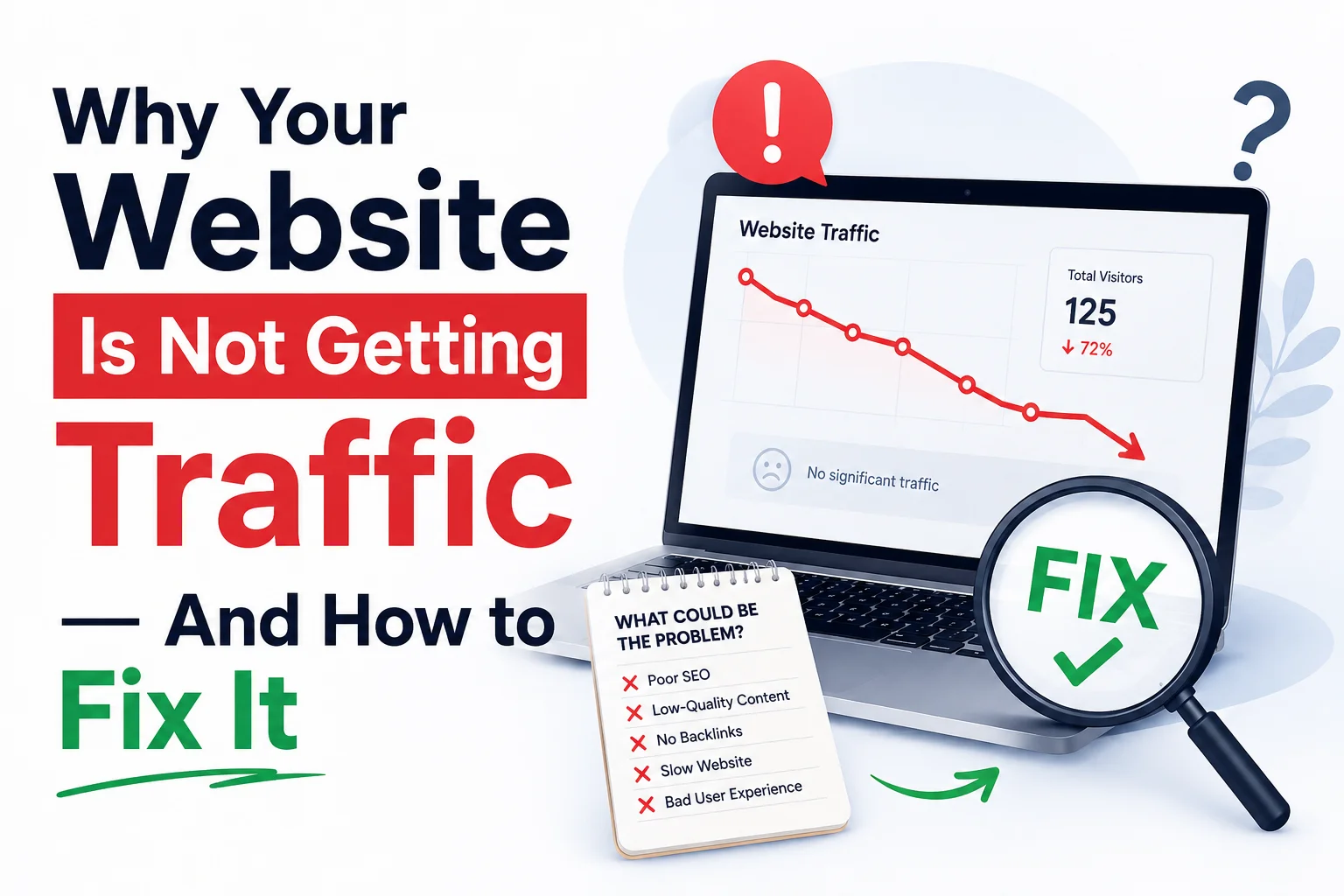
You created your website, put in the time to write content and waited for people to come flooding into it. Only to find weeks or even months later the numbers on your analytics dashboard are unacceptably low. So you might be wondering… If your website is not getting traffic??
Like most business owners, bloggers and marketers. The sad reality is that a website itself will not be adequate. Search engines such as Google, analyze hundreds of ranking factors before determining which page gets to the top spot in search results.
Fortunately, all but the most severe are fixable questions with good SEO practice. This guide will cover the top reasons why your site is not getting visitors, actionable steps for driving website traffic 100% of the time, and other ways you can make sure that when someone searches an SEO they won’t land on Amazon instead.
1. Your Website Is Not Optimized for Search Engines
A primary reason websites struggle to sustain organic traffic is loss of Search Engine Optimization (SEO).
Without proper optimization, search engines struggle to understand your content, making it difficult for your pages to rank.
Signs of Poor SEO
- Pages are not appearing in Google search results.
- Low keyword rankings.
- No organic traffic growth.
- Important pages are not indexed.
How to Fix It
- Conduct thorough keyword research.
- Optimize title tags and meta descriptions.
- Use SEO-friendly URLs.
- Add internal links throughout your website.
- Create unique and valuable content.
2. You’re Targeting the Wrong Keywords
Many website owners target highly competitive keywords without considering search intent.
For example, ranking for a broad keyword like “digital marketing” is extremely difficult for new websites.
Why This Hurts Traffic
If your target keywords are too competitive, your pages may never reach Google’s first page, where most clicks occur.
How to Fix It
Focus on:
- Long-tail keywords
- Low-competition keywords
- Buyer-intent keywords
- Location-based keywords
Example
Instead of targeting:
Digital Marketing
Try: Affordable Digital Marketing Services for Small Businesses
3. Your Content Is Thin or Low Quality
Google rewards websites that provide valuable, detailed, and relevant information.
If your content is too short, outdated, or lacks expertise, it may struggle to rank.
Common Content Problems
- Duplicate content
- AI-generated content without editing
- Lack of depth
- Poor formatting
- No user engagement
How to Fix It
Create content that:
- Solves real problems
- Answers user questions
- Includes statistics and examples
- Covers topics comprehensively
- Provides actionable insights
Aim for at least 1,000–1,500 words for important blog posts where appropriate.
4. Your Website Loads Too Slowly
Website speed is a confirmed Google ranking factor.
Users expect websites to load within seconds. If your site is slow, visitors leave before engaging with your content.
Impact of Slow Websites
- Higher bounce rates
- Lower rankings
- Poor user experience
- Reduced conversions
How to Fix It
- Compress images.
- Use a CDN (Content Delivery Network).
- Minify CSS and JavaScript files.
- Upgrade your hosting provider.
- Enable browser caching.
5. Your Website Has Technical SEO Issues
Technical SEO forms the foundation of search visibility.
Even excellent content won’t rank if search engines cannot crawl or index your website properly.
Common Technical SEO Problems
- Broken links
- Crawl errors
- Duplicate pages
- Missing XML sitemap
- Incorrect robots.txt settings
How to Fix It
Perform regular technical audits using tools such as:
- Google Search Console
- Screaming Frog
- Ahrefs
- SEMrush
Ensure all important pages are crawlable and indexable.
6. You Don’t Have Enough Backlinks
Backlinks remain one of Google’s strongest ranking signals.
When reputable websites link to your content, search engines view your website as trustworthy and authoritative.
Why Backlinks Matter
Backlinks help:
- Improve domain authority
- Increase rankings
- Drive referral traffic
- Build credibility
How to Fix It
Use these link-building strategies:
- Guest blogging
- Resource page outreach
- Broken link building
- Digital PR campaigns
- Publishing original research
Focus on quality over quantity.
7. Your Website Isn’t Mobile Friendly
More than half of global web traffic comes from mobile devices.
Google uses mobile-first indexing, meaning it primarily evaluates your mobile website version when ranking pages.
Mobile SEO Problems
- Small fonts
- Poor navigation
- Slow mobile speed
- Unresponsive layouts
How to Fix It
- Use responsive web design.
- Optimize images for mobile devices.
- Improve touch navigation.
- Test mobile usability regularly.
8. You Publish Content Inconsistently
Many website owners publish a few articles and then stop for months.
Search engines favor websites that regularly update content and demonstrate ongoing activity.
Why Consistency Matters
Frequent publishing:
- Increases indexed pages
- Expands keyword coverage
- Builds authority
- Encourages repeat visitors
How to Fix It
Create a content calendar and publish consistently.
Recommended frequency:
- Small websites: 1–2 articles weekly
- Growing websites: 3–5 articles weekly
9. You’re Ignoring User Experience (UX)
Google increasingly measures how users interact with websites.
Poor user experience often results in lower rankings.
UX Issues That Hurt Traffic
- Cluttered layouts
- Intrusive popups
- Difficult navigation
- Poor readability
How to Fix It
Improve:
- Navigation menus
- Content structure
- Internal linking
- Visual hierarchy
- Mobile experience
10. You Are Not Promoting Your Content
Many businesses believe publishing content alone will generate traffic.
In reality, content promotion is equally important.
Effective Promotion Channels
- Social media marketing
- Email marketing
- Online communities
- Industry forums
- Influencer outreach
How to Fix It
Develop a promotion strategy for every new piece of content you publish.
A good rule is to spend as much time promoting content as creating it.
Bonus Tip: Use Google Search Console Regularly
Google Search Console is one of the most powerful free SEO tools available.
It helps you:
- Track keyword rankings
- Monitor indexing issues
- Analyze click-through rates
- Identify top-performing pages
- Discover growth opportunities
Review your data weekly to identify and fix performance problems before they impact traffic significantly.
Final Thoughts
The traffic problem is seldom a single cause if your website does not get any visitors. Tidbits · Search. It’s usually a mix of bad SEO, thin content (content that isn’t very good), technical issues, low loading speeds and not enough backlinks or promotion —both on the page and off it.
Key to increasing website traffic is adopting a methodical approach. First fix technical SEO issues, create better content and cover all the right words to increase your authority with backlinks.
Remember that SEO is a long-term investment. Consistent optimization and content creation will gradually improve your rankings, increase organic traffic, and help your website achieve sustainable growth.
Avoid seeking instant fixes and work on a site that serves real value to users. If you focus on quality and user experience, search engines will begin to reward your efforts however slowly.